Street Sweeper Routing App
Get street sweepers moving faster and using less fuel
Track street sweeping route progress in real-time
The Univerus Sweeper App™ receives routes from the FleetLink Route System and presents them to drivers on the in-cab mobile tablet. Route progress is automatically tracked as the road brush is engaged or by the (manual) push of the sweeping button and can be viewed online in real-time by dispatchers and supervisors for service verification and customer support.

Ensure street sweeper routes are done as scheduled
Dispatch routes and track route progress automatically

Locate your fleet vehicle
Real-time access to vehicle location, direction of travel, and speed, in addition to data taken from the vehicle’s integrated Engine Control Module (ECM).

Every lift tracked
Reduce the need for paperwork processing by drivers, dispatchers, supervisors, and back-office staff.

All-inclusive fleet status
Assign route and pickup locations sequentially or based on proximity for increased routing efficiency and lower overall fuel consumption.
How it works

Service Name
Sweeper routes dispatched from the FleetLink Route System are presented to the driver on the onboard tablet.

Service Name
As stops are confirmed by SweeperApp, route progress is updated in real-time and viewable from the web-based FleetLink Map™ and FleetLink Reports™ back-office applications.

Service Name
Time & location stamping of sweeping activities and pictures give proof of job completion to eliminate unnecessary service calls or trips.
Safety and efficiency for street sweeping routes
From automated stops to better safety visibility down alleys, this app helps your street sweeping fleet be safer and more effective
Automated stop confirmations reduce the interactions required by drivers to indicate route progress and let them focus on doing the job.
Reduce Distractions with Automated Stops
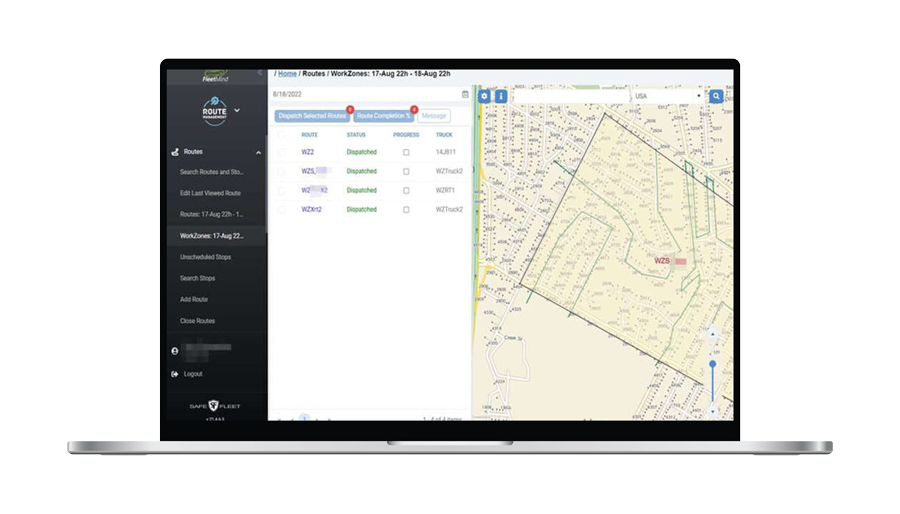

Time and location-stamping of sweeping activities and pictures give you irrefutable evidence of service provision, virtually eliminating unnecessary service calls and trips.
Get Data and Visuals of Sweeping Routes
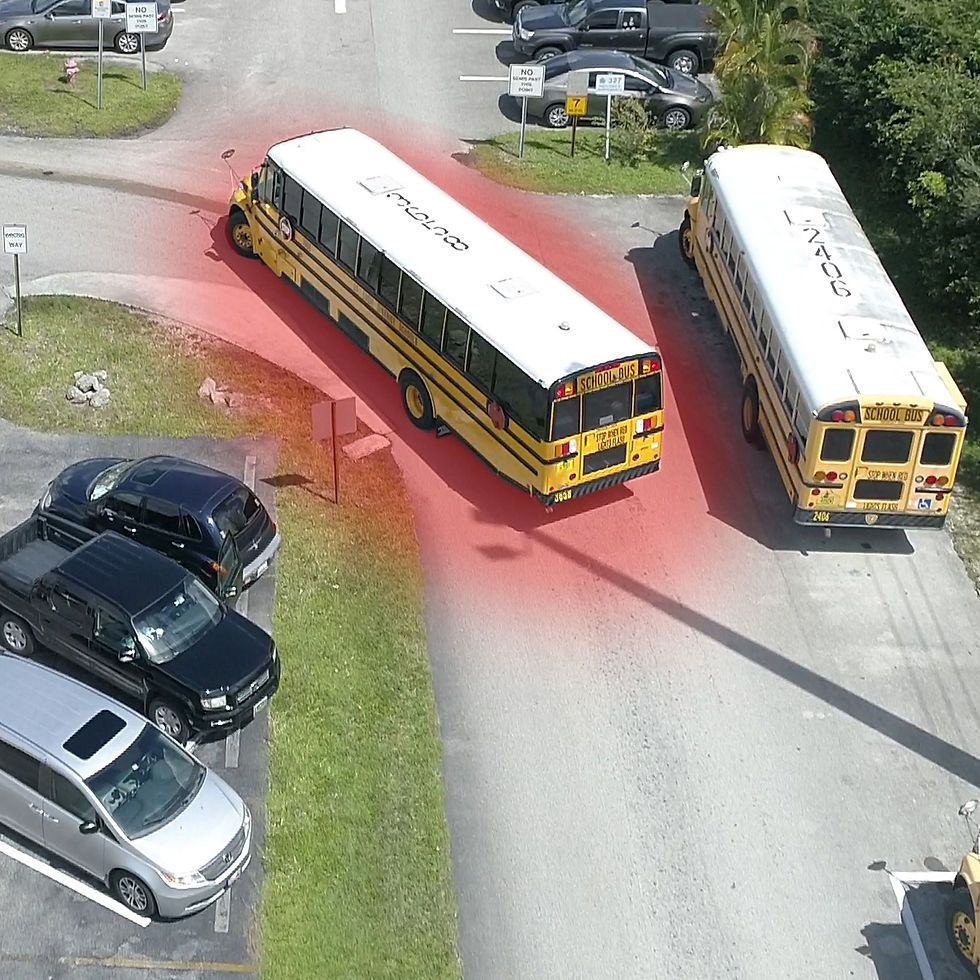
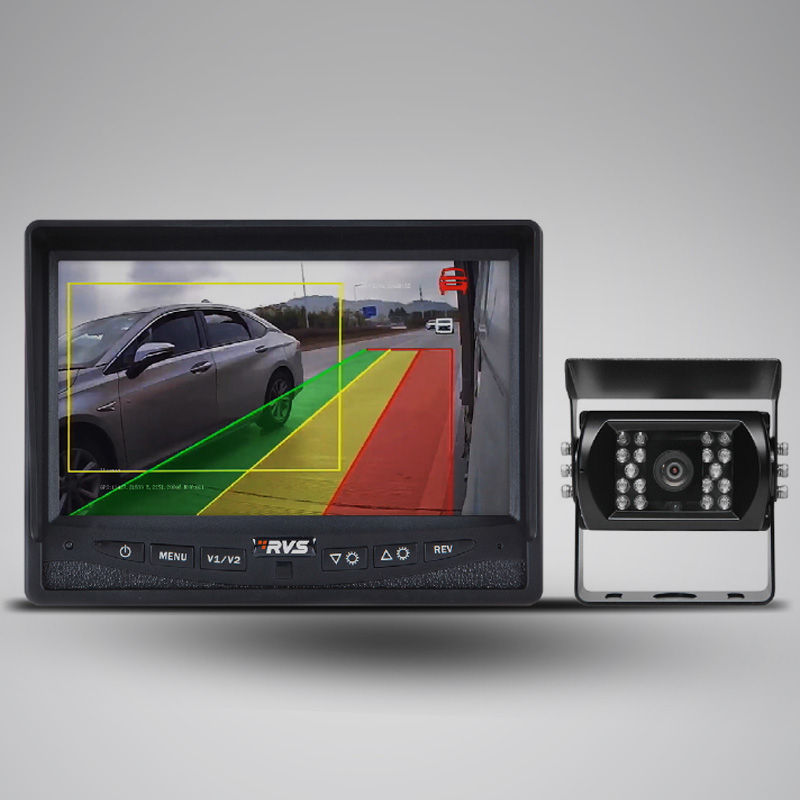
With a 360-degree-view around the truck, drivers can capture all activities to ensure maximum safety and security for workers and residents.
Make Alleys Visible for Added Safety


Reduces paperwork by drivers, dispatchers, and supervisors.
Reduce Back-office Workloads
Turn by turn navigation gets sweeping vehicles moving faster and with less fuel consumption.
Make Following Routes Simpler

Tour Mode
Support for ‘tour’ mode during sweeping activities, with map and main camera displayed on the screen.
Identify and Group Routes
Multiple districts can be serviced as multiple areas of a single route. Parking lots are also supported, not just streets.

Automated Recurring Assignments
Support for recurring assignments and on-demand stops during initial dispatch; on-demand stops can be added on the fly.
Anomalies Reporting
Support for reporting user-definable exceptions.
Related Products
Check out some of our related products.